
Build Your Box: Custom Tool Box Configurator
Spec a complete setup — cabinet, color, foam-shadowed tool sets and matching accessories — and order the whole thing on one cart. Outfitting more than one bay? Request volume pricing without leaving the builder.
- Compare up to 4 boxes side by side before you commit
- Tool sets and accessories matched to the exact box — no fitment guesswork
- Volume pricing and quotes on multi-unit orders, requested inside the builder
- Nothing is added to your cart until you say so
Tool sets and accessories are optional.
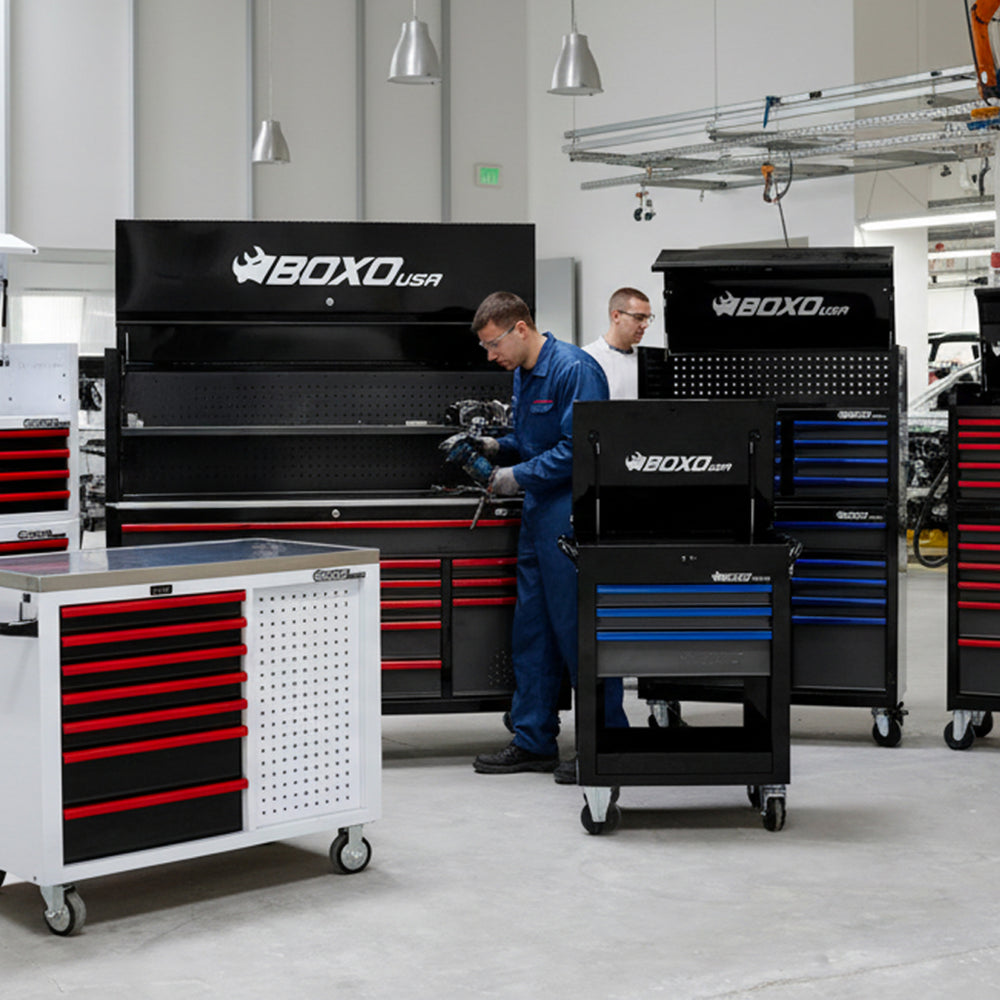
Build Your Box: Custom Pro Series Tool Box Configurator
Step 1: Choose your tool box
Start with the cabinet. Filter by width to match the bay or bench it has to live in, or compare up to 4 side by side. Color, tools and accessories come next.
Fits my space All widths
Measure the width of the wall or floor space you have, then pick the closest size — box width is shown on each card below.
Compare tool boxes
Compare up to 4 boxes on price, capacity and dimensions. Specs that differ are marked, so the deciding difference is the one you see first.
Step 2: Pick your colors
Mix and match any box color with any handle color. A dashed ring means that color is temporarily out of stock — select it anyway to see what to expect before checkout.
Step 3: Choose your tools
Every set drops into your drawers in CNC-cut EVA foam — each tool shadowed in its own pocket, so a missing one is obvious at a glance. Add as many as the build needs.
More filters Measurement, drive type
Step 4: Finish the setup
Everything here fits the box you chose — cabinets that stack on it, worktops, pegboard hardware and drawer organizers. Added here, they go on the same order in the same color.
Step 5: Review your build
Discounts and shipping are calculated at checkout.
Added to your cart.
Questions about building your box
What if a box or tool set I want is backordered?
It still shows in the builder and you can still select it — a backorder that's genuinely sellable is marked "Out of stock · expected [date]" where a restock date is known, or just "Out of stock" where it isn't. Only items Shopify would flatly refuse are struck through and excluded from your cart. Turn on "In stock now" at the top of any step to see only what ships today.
Can I compare boxes before I choose one?
Yes — mark up to 4 boxes on step 1 and a side-by-side comparison table opens, covering price, dimensions, and features so you're not flipping between product pages.
Do accessory colors have to match my box?
When an accessory comes in real color options, the builder automatically pairs it to the color you picked for your box. If an accessory doesn't offer that color, its card and the review step both say plainly what color it ships in instead.
Do I have to pick tool sets and accessories, or can I just buy the box?
Both are entirely optional and multi-select. Skip them and check out with an empty box, or add as many as you want — each one lands as its own line at checkout.
I need more than one box — is there volume pricing?
On the review step, open "Need a quote or volume pricing?" to send your build straight to our sales team. The same form works if you'd rather get a confirmed date on a backordered item before you commit.
When does anything actually get added to my cart?
Nothing is added while you're building — you can change your box, colors, tool sets, and accessories freely. The single Add to Cart action is on the review step, once you've seen the full build and total.